
No products in the basket.
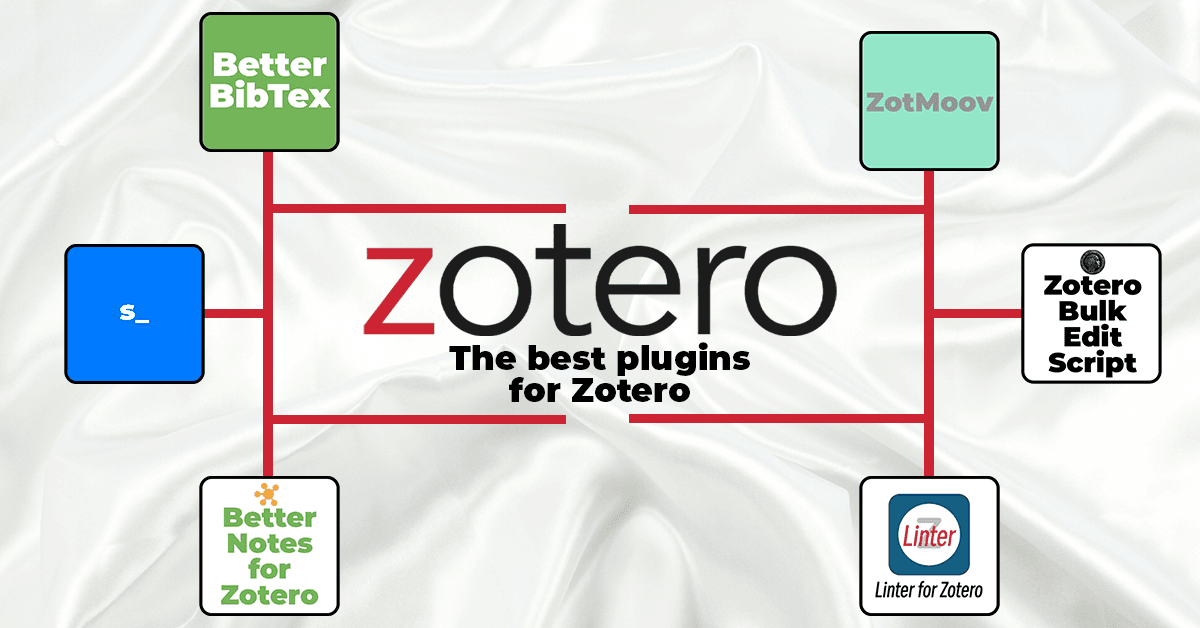
The top Zotero extensions I can't live without
Want to get even more out of Zotero? Here are my top recommendations for Zotero plugins.
You have a citation guide from your university or publisher, but none of the existing styles in Zotero or Mendeley really fit?
With CSL citation styles (‘Citation Style Language’), you can customise existing templates to suit your needs. In this article, I will show you step by step how to edit a CSL style, what typical pitfalls there are, and when a made-to-measure citation style is worth it.
In short: in theory, yes; in practice, nobody does it. A CSL style is an XML file containing several hundred lines, and even a simple style has to cover dozens of source types – books, anthologies, journal articles, websites, legislation, interviews. Starting from scratch means writing all of that yourself.
The usual approach is therefore a different one: you look for the style that most closely matches your requirements, and make specific changes to what doesn’t fit. The result is still your own style – it is given its own name, its own ID, and is stored as a separate file in Zotero. It’s just that the starting point is different.
This guide explains exactly how to do this.
The Citation Style Language (CSL) is an XML-based programming language and a open-source library, which now provides more than 10,000 citation styles.
The advantage:
Below you can see a typical way of adapting an existing style to your specifications.
The first step is to find a style that comes as close as possible to your guidelines – then you will have less to change in the code later on.
You can use this style as a basis for your customisations.
Once you have found a basic style, you need the .cslfile.
.cslfile in a text editor, like VS Code or Notepad++, or use the VisualEditor for CSLIn the Style Editor, you will see the CSL code: at the top, the metadata for the style (name, ID, author, etc.), and below that, the actual formatting rules for citations and the bibliography.

In practice, it is almost always a matter of the same adjustments:
All of this can be customised in the CSL code – provided you find the right places and know the structure of the style. Usually, you edit the ‘citation’ and ‘bibliography’ sections, where the output of the references is defined.
The following are helpful in this regard: Step-by-Step Instructions from the Zotero documentation, as well as the 'CSL specification', to understand CSL and use it correctly.

After every major change, you should test the style in a real document.
Only when the most important source types are displayed correctly is it worthwhile to use the style permanently.
When editing a CSL style, many people stumble at similar points:
If this is your first time working with XML, troubleshooting can quickly take several hours – especially if your guide contains many special cases (e.g. online sources, legal texts, multiple editors).
Please note: LLMs, although tempting, are not yet able to implement citation styles in a complex manner. Students have told me that they lost marks for incorrect citations because a citation style created by ChatGPT produced incorrect output.
Whether you edit your style yourself or prefer to leave it to me depends primarily on time, nerves and the complexity of the guidelines.
It is worth customising yourself if ...
A Your Custom Citation Style ist sinnvoll, wenn …
If you don't have the time or inclination to familiarize yourself with CSL, XML code, and validator messages, I'll take care of it for you.
With my 'Your Custom Citation Style' service I create a verified CSL citation style based on your university or publisher guidelines, test it in Zotero and make any necessary adjustments – so you can focus on your content instead of formatting.
➜ All information & enquiries: Your Custom Citation Style
Want to get even more out of Zotero? Here are my top recommendations for Zotero plugins.
Link Zotero citations in Word with the bibliography: The ZoteroLinkCitation macro makes your academic work more interactive and clearer.

The Zotero fork Juris-M no longer synchronises and is considered abandoned. However, there are new developments: a new plugin is bringing jurisdictions, legal styles and parallel citations back to the current version of Zotero – still in alpha, but at an astonishing pace. What Juris-M users should know and do now.

ZotSeek enhances Zotero with semantic search: find papers by meaning rather than by keywords, jump straight to the relevant section of text, and open your library to AI agents via the MCP server. Everything runs locally, without an API key and without a subscription.