

In this guide, you will learn how to use Zotero and Citation Styles effectively. When writing a scientific paper, it is important to use correct citations. Zotero is an open source tool that can help you with this. We will look at Zotero, CSL Zitierstilen, the great functionalities by Zotero and the support of the Open Source community .
- Zotero is an open source tool that can help you to produce correct citations.
- CSL styles a styles that automatically transform citations based on your guidelines
- The Zotero community offers support and help for endusers.

What is Zotero?
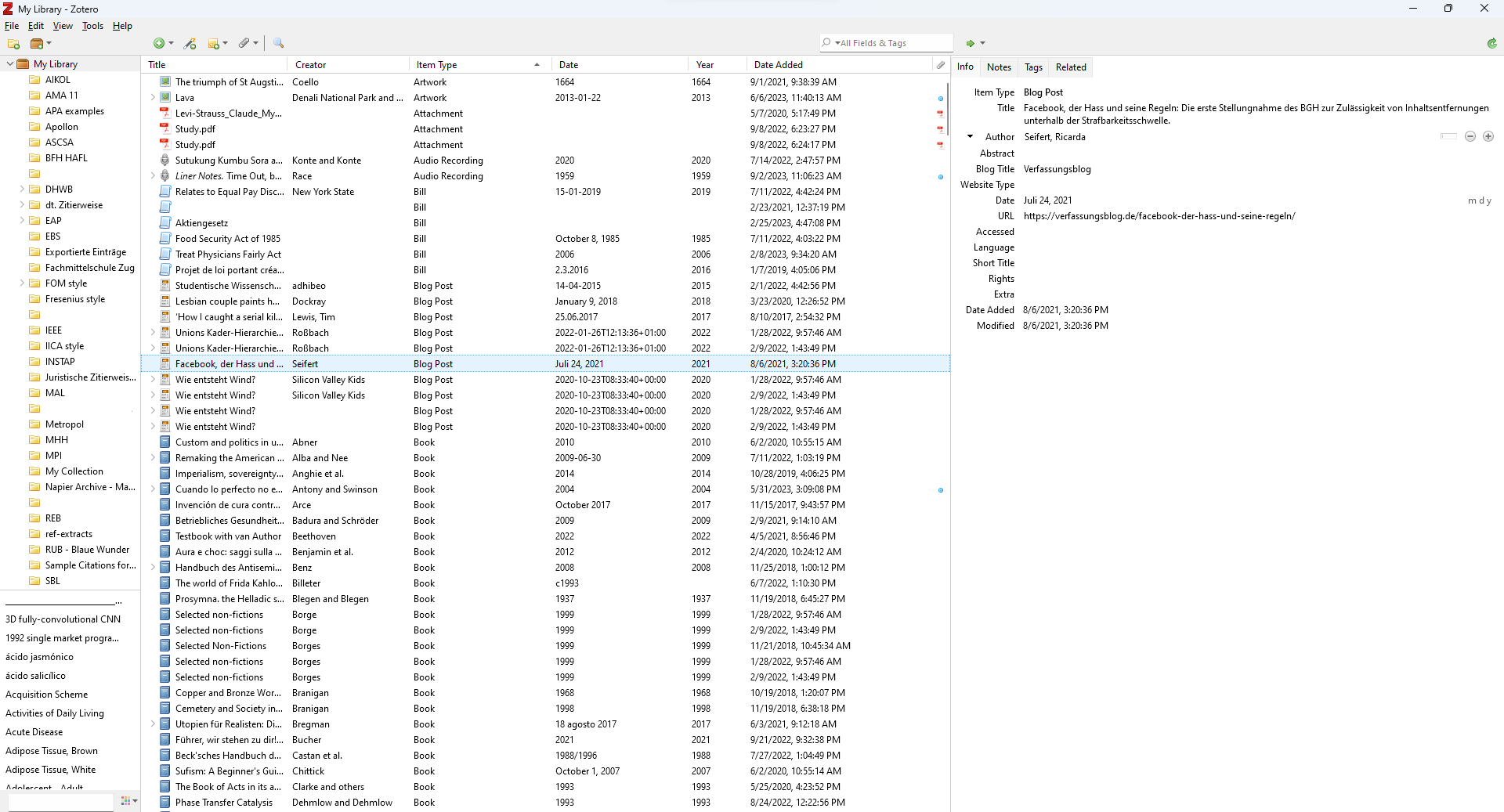
Zotero is an open source software that helps you to collect, organise, read and annotate sources and to create citations and bibliographies. Zotero simplifies your academic work.
The great functionalities of Zotero is simple: you add the source you want to cite to your library, select the desired citation style aus und fügst den Text direkt in dein Dokument ein. Der Zotero citation style automatically takes over the formatting of your citations and creates a complete bibliography at the end of your document.
Zotero is operated by an active community of developers and volunteers, which ensures that it is constantly improved and updated . It's the perfect choice for students and academicswho would like to undertake their scientific work professionally and save time in the process.
What are CSL citation styles?
CSL Citation Styles are an important component of Zotero. They make it possible to automatically generate correct citations and bibliographies by implementing the rules for formatting citations and bibliographical information for you. CSL stands for Citation Style Language and is a programming language that was developed to simplify the creation of citation styles. Zotero supports a variety of CSL citation styles that can be used by different scientific disciplines.
The citation stylesupport is integrated in Zotero and can be managed via the settings. You can choose between different CSL citation styles and also create your own custom styles . CSL citation styles are of great importance as they ensure that your citations and bibliographic entries are consistent and formatted correctly and fit your university's/publisher's requirements and style.
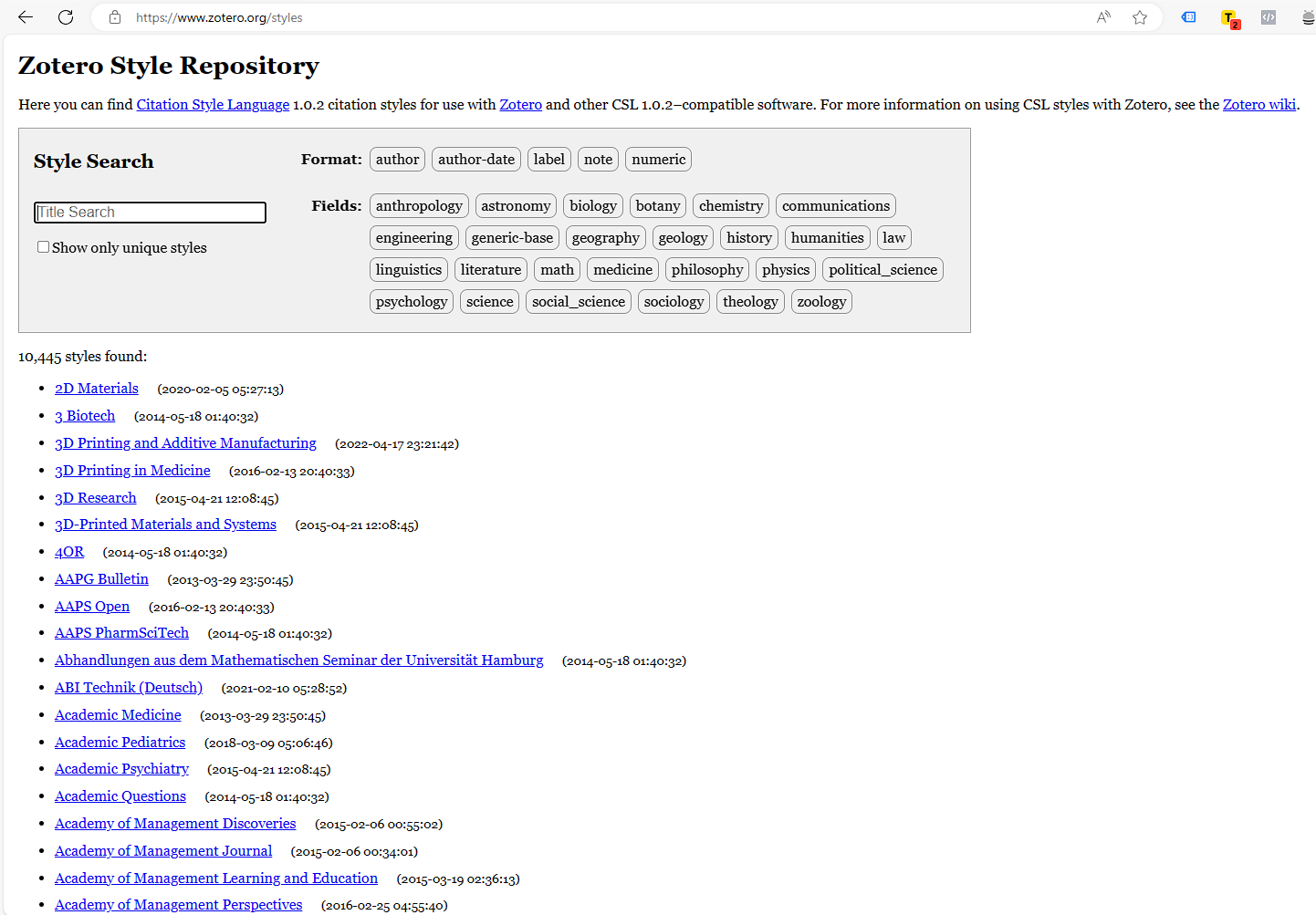
The Zotero style repository now contains over 10,000 styles created by users (+1,000 by me) and supported by a variety of programmes. If you choose the right citation style for your university or journal, you can make surethat your paper is professional and with correct citations .
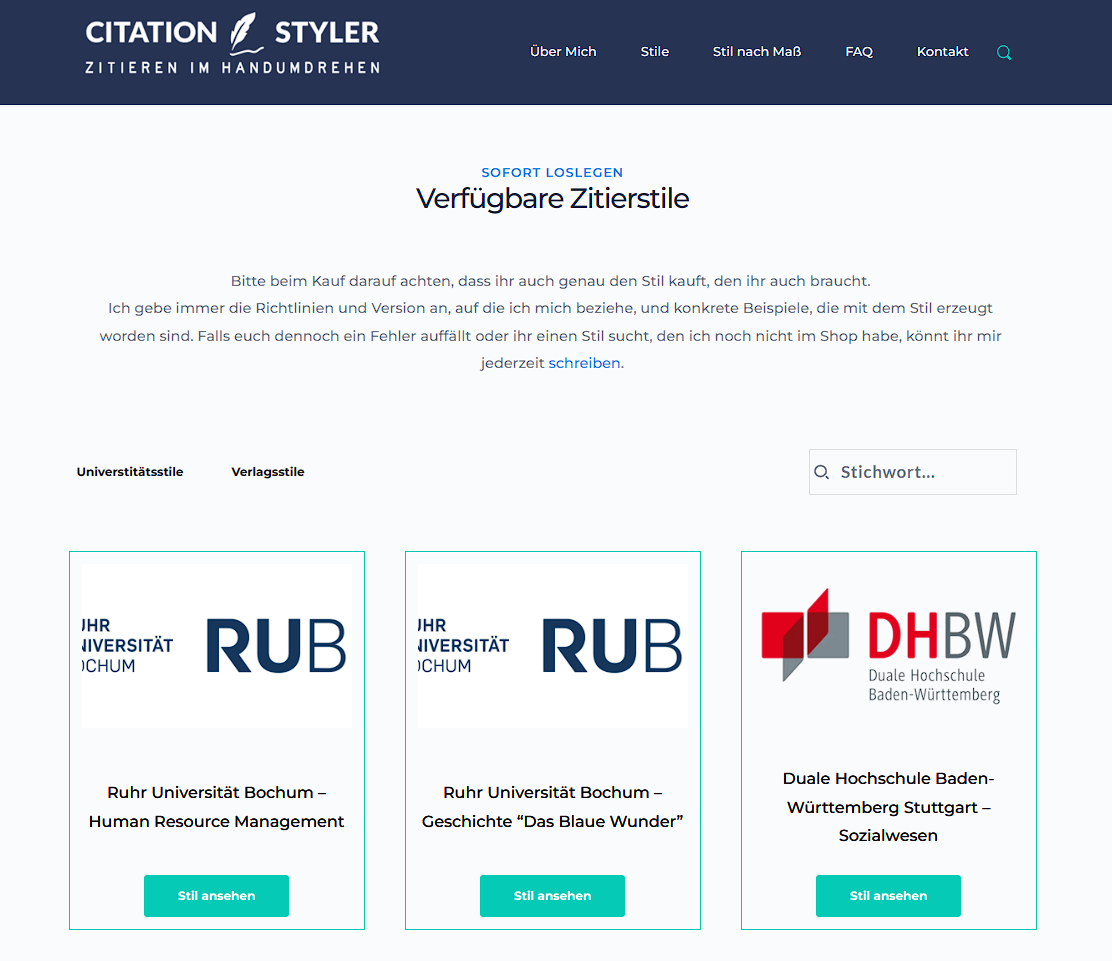
However, if you need a citation style that is not included in the repository, you can also make your own customised citation style . This is particularly useful if you have specific style requirements or work in a specialised field that requires a unique citation style. Here in my shop I now offer over 100 styles for a variety of universities and publishers.
I also offer a service to create made-to-measure citation stylesbased on your university's or publisher's guidelines. Please use the style request form for your enquiry.
Tips for the effective use of Zotero and citation styles
To use Zotero effectively, you should consider the following tips:
- Organise your library: Organise your library using folders and keywords to make your work easier.
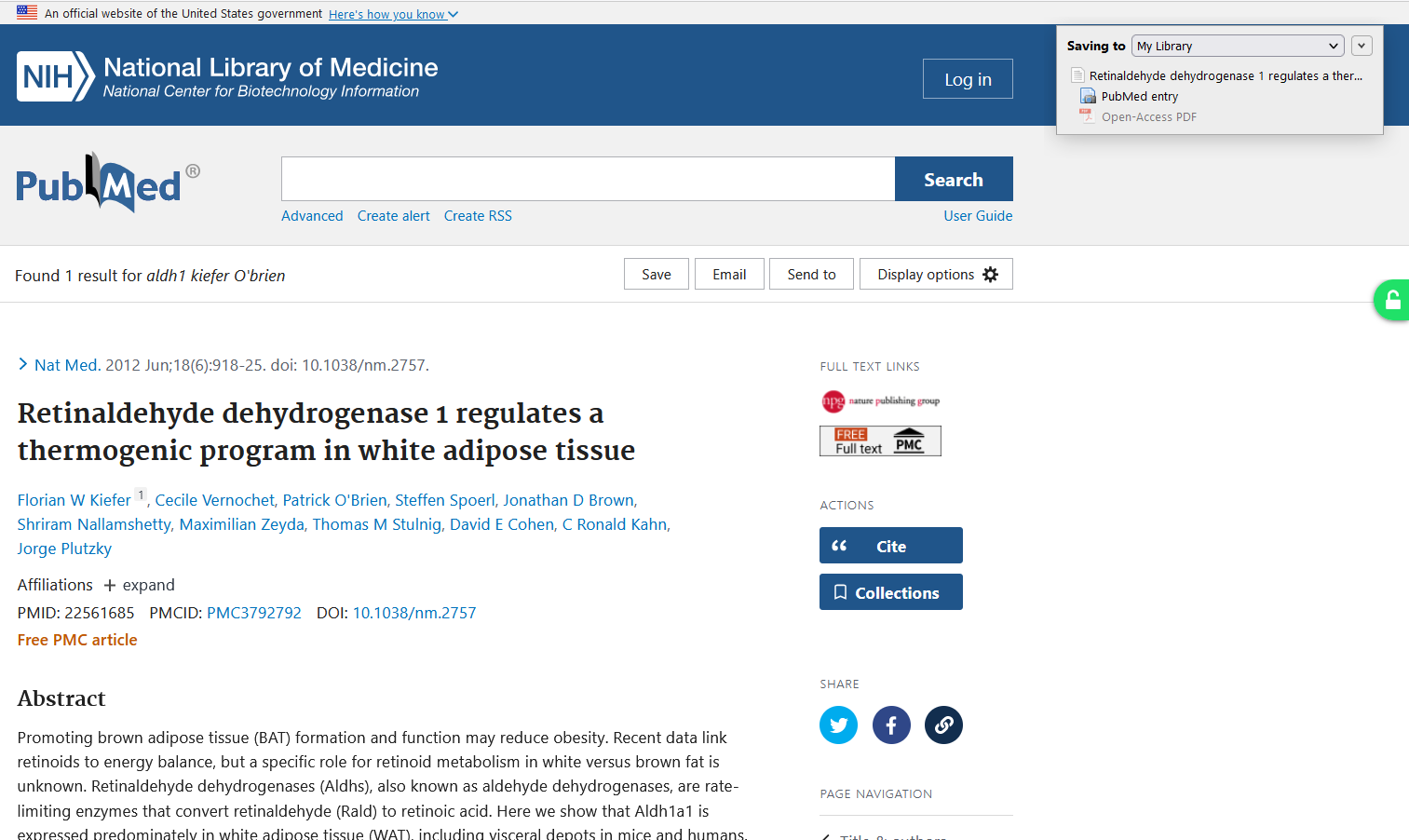
- Use the Browser AddOnto import sources efficiently into Zotero.
- Utilise the search field: Use the search field to quickly search for specific entries or keywords.
- Integrate Zotero into your workflow: Use the Zotero Word Pluginto integrate Zotero into your word processing programmes and thus efficiently cite sources
- Bibliography: create your bibliography based on your citations using the bibliography function
As mentioned above, the Zotero community is a gold mine when it comes to support. If you can't find your answer in older threads, you can post your own question and usually get a helpful answer within a few minutes or hours. I also mention a few caveats in my article "Zotero is acting up? How to avoid common citation problems".
By following these tips, you can ensure that your citations are correct so that you can concentrate on your academic work.
Further questions or looking for a specific style?
Just write to me using the contact form.