
No products in the basket.

How do I find the correct citation style?
Citation styles under control: Your comprehensive guide to academic references and citation styles
If you're wondering whether your reference management programme or writing tool supports CSL citation styles, you've come to the right place. CSL stands for ‘Citation Style Language’ – an open standard for formatting citations and bibliographies. A surprising number of tools have adopted this standard, from classic reference management programmes to static site generators and WordPress plugins.
CSL stands for Citation Style Language. It is an XML-based format that describes how citations and bibliographies should be formatted – things like author order, punctuation, date format, and whether footnotes or short references are used in the text.
Since CSL is an open-source library and provides access to over 10,000 citation styles maintained by the community, many different tools have adopted the CSL language and library as their standard. This means that a .cslfile you download for Zotero will, in most cases, also work in other CSL-compatible software. To learn why CSL is particularly useful in combination with Zotero, please refer to the article 'Advantages of Zotero'.
The following tools support CSL citation styles in some form – from complete reference management systems to citation generators and developer libraries. The list is based on the official directory of citationstyles.org.
These tools are specifically designed for managing bibliographies and inserting citations into documents:
Tools that support CSL for writing and publication workflows:
Web-based tools that generate formatted citations on demand:
Tools used by libraries, universities, and academic databases:
For developers and researchers who work with citations programmatically:
From all of these programs Zotero has the most comprehensive implementation.
If you need a style that is not yet available – for example, for a particular university or journal – you can either customise an existing CSL style yourself or have a bespoke style created. Step-by-step instructions for editing CSL styles can be found in my article 'Customise CSL citation style for Zotero'If the required style is complex or time is running short, a Your Custom Citation Style the faster solution.
Is a tool missing from the list, or should one be removed? Please contact me!
Citation styles under control: Your comprehensive guide to academic references and citation styles
The ZoteroCiteLinker add-in makes Zotero citations in Word clickable and automatically links URLs in the bibliography. Simply via your menu bar.

Optimise your academic work! Learn how to connect Zotero to Obsidian, set up the plugin, and import your first note.
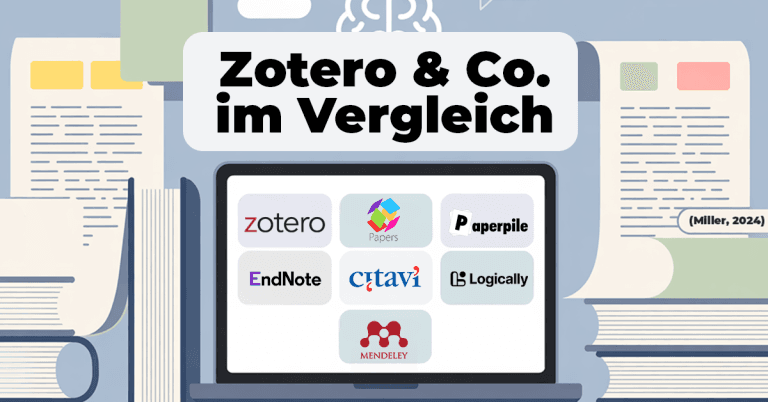
Which literature management system is right for you? Comparison of Zotero, Mendeley, Citavi, EndNote, Paperpile, Papers and Logically – including styles, support and future-proofing.