
No products in the basket.
Why Zotero adds letters like ‘a’ or ‘b’ after the year (and how to fix it)
Why does 2001 suddenly become 2001a? Find out why Zotero adds letters to the year and how you can solve the problem by merging entries correctly.

With the update to version 7, Zotero has made a significant step forwards . But with this further development came a change in Zotero's architecture that surprised many users: ZotFile, one of the most widely used add-ons for Zotero, is no longer compatible.
But don't worry, there are alternatives - and even some of ZotFile's functions have been directly integrated into Zotero. In this blog post, we take a look at what the update brings and what new add-ons are available to fill the gap left by ZotFile.
Zotero 7 introduces numerous improvements and new features that make working with the software even more efficient. ZotFile has been an indispensable tool for many, especially because of its ability to automatically rename PDFs and move them to customised folders.
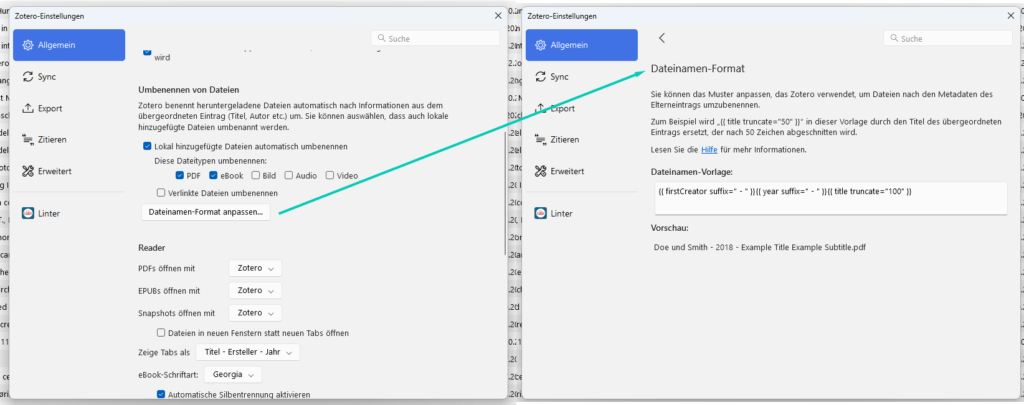
The good news is that some of these functions have now been integrated directly into Zotero. For example, it is now possible to automatically rename PDFs based on the metadata of the saved sources. The management of attachments has also been improved so that some of the functionality of ZotFile is already available without an additional extension. Detailed information on this topic can be found on the Zotero website ’File Renaming".
The new Zotero 7 file name format settings
However, for those who do not want to do without the full functionality of ZotFile, there is now a new and promising alternative: ZotMoov
The end of ZotFile may be disappointing for some users, but Zotero 7 brings a number of new features even without the add-on. For those who still need advanced options for organising their files and attachments, the ZotMoov an excellent alternative is available.
If you want to learn more about the best Zotero extensions you can integrate into your workflow, I recommend my blog post ’The top Zotero extensions I can't live without‘. There I present other indispensable tools for Zotero that can make your day-to-day work much easier.
Good luck organising your library with Zotero!
Why does 2001 suddenly become 2001a? Find out why Zotero adds letters to the year and how you can solve the problem by merging entries correctly.
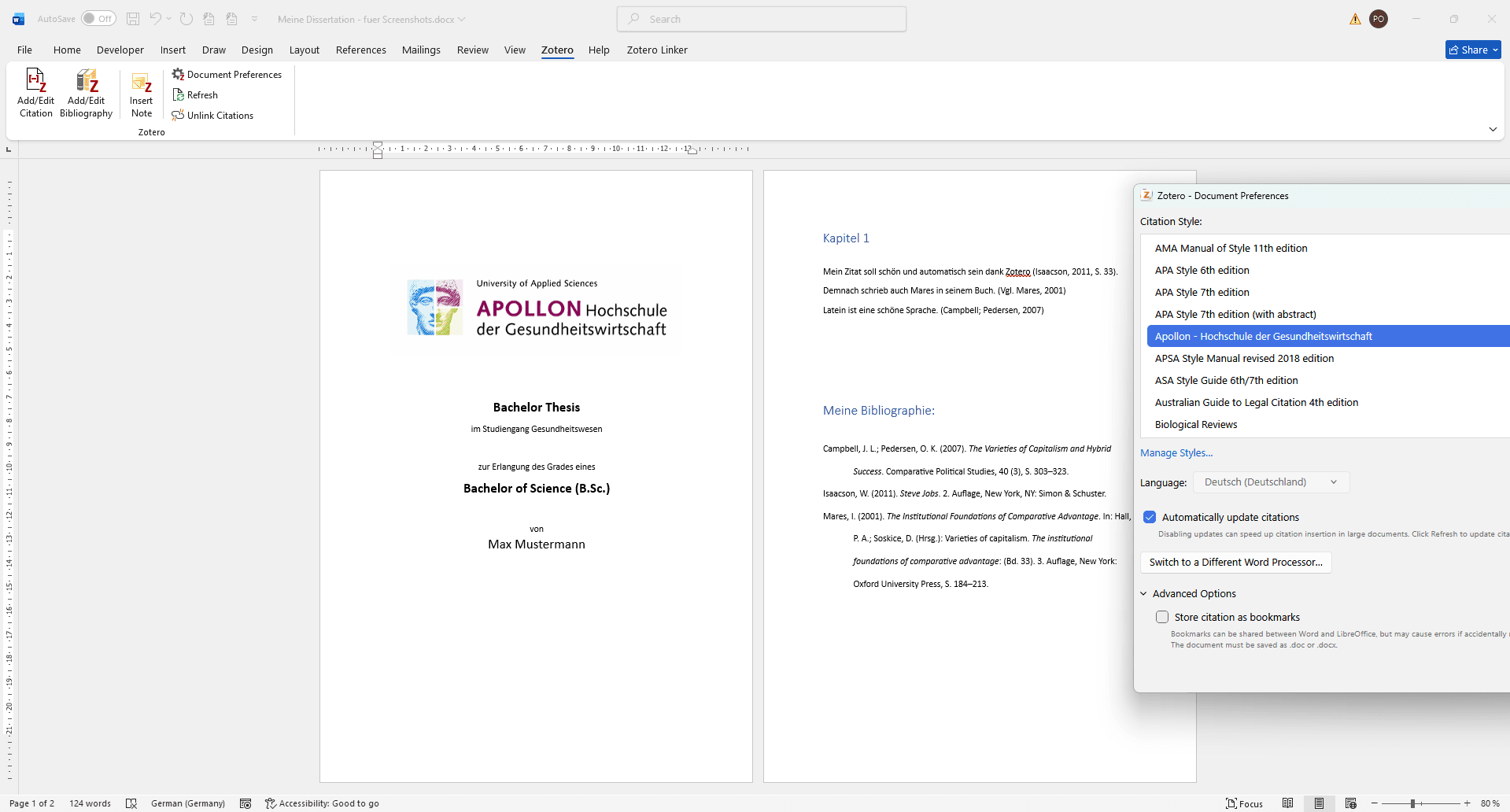
Learn how to use Zotero at APOLLON University: setup, CSL citation style installation, and tips for avoiding common mistakes.
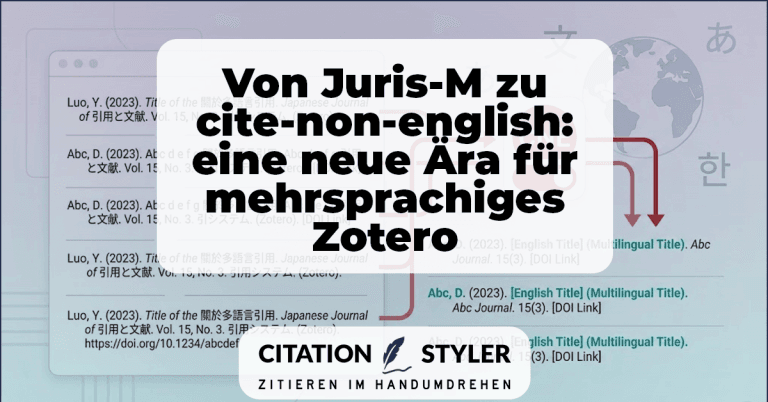
How the cite-non-english plugin replaces Juris-M and, for the first time, enables clean multilingual citations, especially CJK citations, directly in Zotero.
Find out in this article whether EndNote and Citavi .csl support citation styles.
We use cookies to enable you to navigate our website efficiently and to carry out certain functions. You can find detailed information on all cookies below, under the relevant consent categories.
Cookies classified as ‘necessary’ are stored in your browser, as they are essential for the website’s basic functions.
We also use third-party cookies to help us analyse your use of this website, save your settings and provide you with content and marketing materials that are relevant to you. These cookies are only stored in your browser with your prior consent.
You can enable or disable some or all of these cookies; however, disabling some of them may affect your browsing experience.
Necessary cookies are required to enable the basic features of this site, such as providing secure log-in or adjusting your consent preferences. They are not used for advertising or to track you across other sites. The consent cookie stores a random identifier that lets us keep a record of the choice you made.