
No products in the basket.
How to change the font of Zotero bibliographies in Word and LibreOffice
Learn how to set the font of Zotero bibliographies and footnotes in Word or LibreOffice. A compact guide for a professional document layout.

The use of citation and reference management software has changed considerably over the last few years. This development can be easily studied on the basis of search behaviour on Google. We look at the popularity of five well-known programmes: Zotero, Mendeley, EndNote, JabRef and Citavi.
The following graphic from Google Trends shows a comparison of the relative search interest for the five programmes from January 2004 to July 2024.
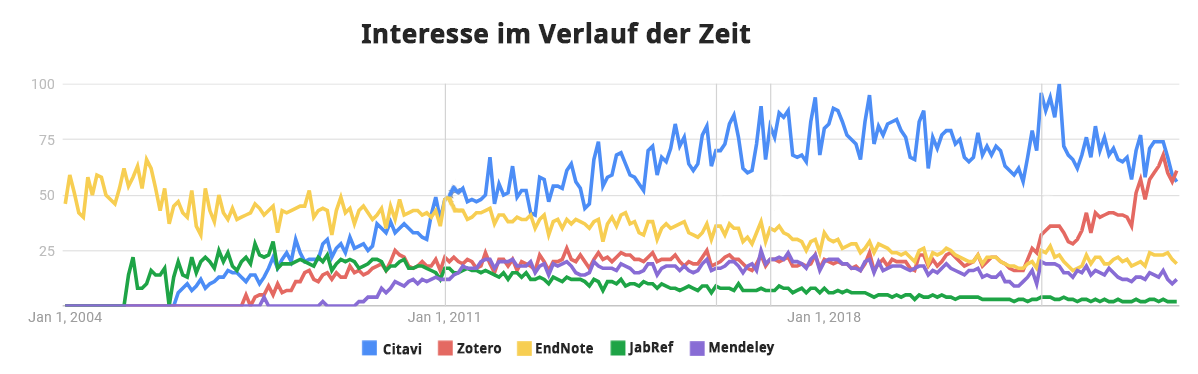
Clear trends can be recognised here:
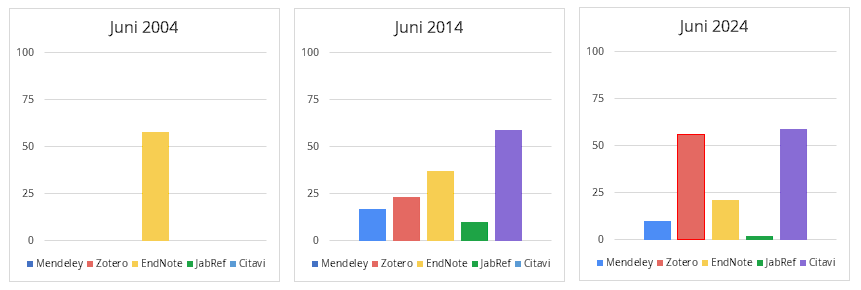
The graphic above clearly shows how strong and widespread EndNote once was, but has now almost been replaced by Zotero and Citavi. Even Mendeley can no longer keep up and has been left behind. As a very active member of the Zotero community, we have received many requests for help in the forum, especially in the last two years, when migrating from Mendeley to Zotero.
The data shows that the market for citation and reference management software is evolving dynamically and both established and new tools need to constantly expand their user base to remain relevant. Academics and researchers benefit from this diversity through greater choice and better customisation options to suit their individual needs.
Some key factors for the future development of citation software are:
As a Zotero user and CSL developer, I am of course a big believer in Zotero, but I have used Mendeley for years. If you want to learn more about Zotero, I have a an article on the topic.
Learn how to set the font of Zotero bibliographies and footnotes in Word or LibreOffice. A compact guide for a professional document layout.
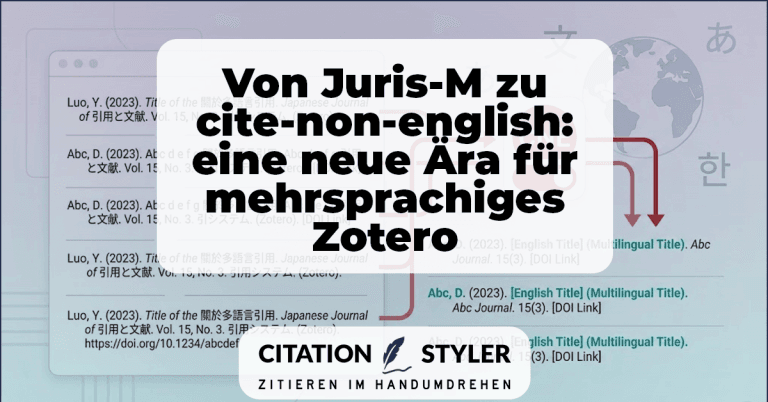
How the cite-non-english plugin replaces Juris-M and, for the first time, enables clean multilingual citations, especially CJK citations, directly in Zotero.
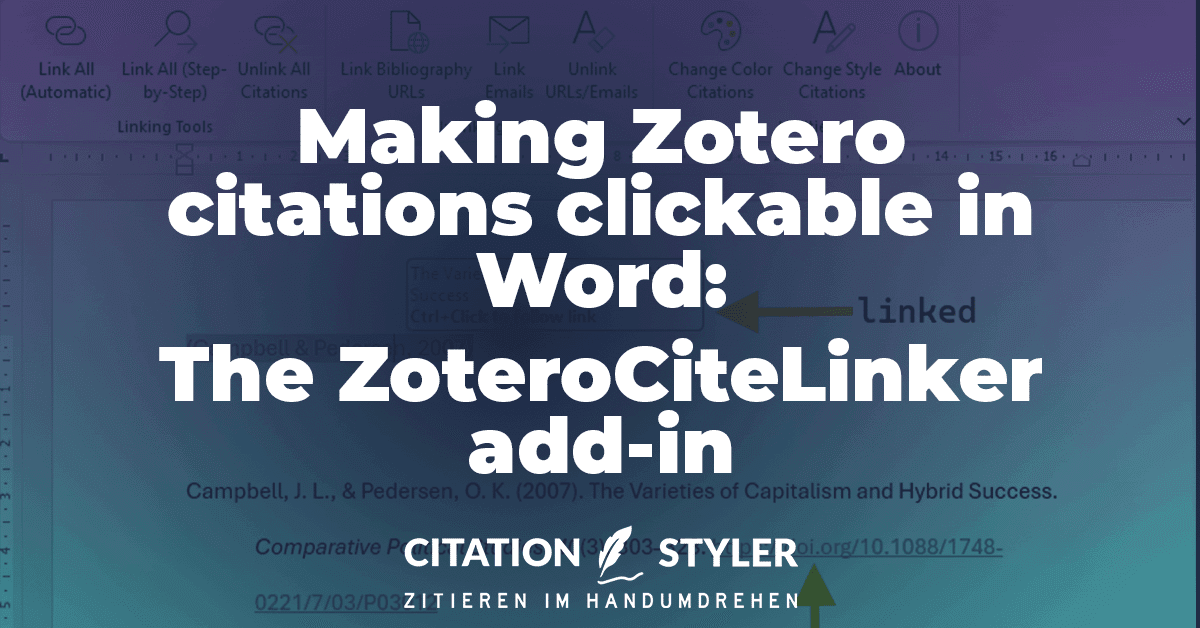
The ZoteroCiteLinker add-in makes Zotero citations in Word clickable and automatically links URLs in the bibliography. Simply via your menu bar.
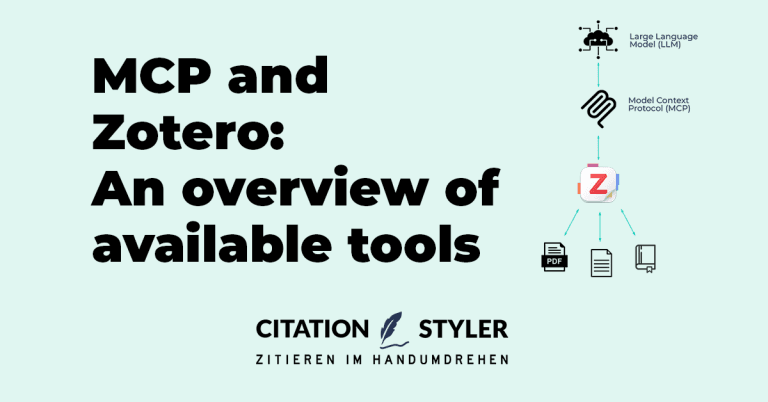
The Model Context Protocol (MCP) enables Zotero to be connected directly to AI assistants such as Claude or ChatGPT. There are now numerous projects that implement this, ranging from lightweight Python servers and Zotero plugins to hosted cloud services. We present all the latest Zotero MCP solutions and show which project suits which workflow.
We use cookies to enable you to navigate our website efficiently and to carry out certain functions. You can find detailed information on all cookies below, under the relevant consent categories.
Cookies classified as ‘necessary’ are stored in your browser, as they are essential for the website’s basic functions.
We also use third-party cookies to help us analyse your use of this website, save your settings and provide you with content and marketing materials that are relevant to you. These cookies are only stored in your browser with your prior consent.
You can enable or disable some or all of these cookies; however, disabling some of them may affect your browsing experience.
Necessary cookies are required to enable the basic features of this site, such as providing secure log-in or adjusting your consent preferences. They are not used for advertising or to track you across other sites. The consent cookie stores a random identifier that lets us keep a record of the choice you made.