
No products in the basket.
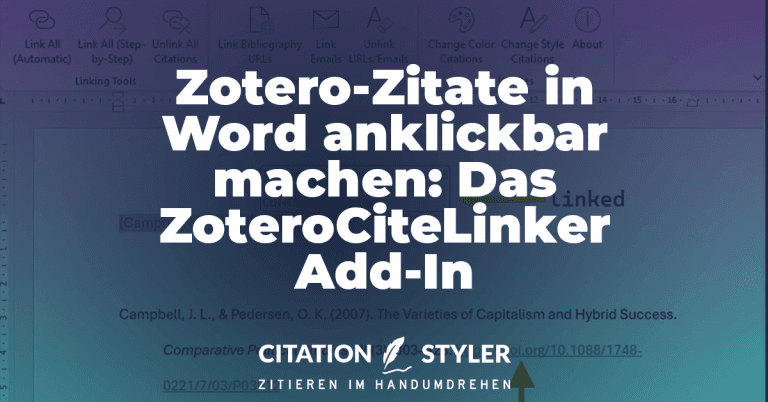
Making Zotero citations clickable in Word: The ZoteroCiteLinker add-in
The ZoteroCiteLinker add-in makes Zotero citations in Word clickable and automatically links URLs in the bibliography. Simply via your menu bar.
We have already seen that Zotero has become increasingly popular over the last few years. Zotero should now be able to build on this lead, because after a long beta phase, the time has finally come: on 9 August 2024, Zotero 7 was released. The update not only brings a fresh design, but also significant performance improvements and new functions. In the following article, I will show you an overview of these new functionalities and why it is definitely worth making the switch, and not just because of the new logo.
The design of Zotero has undergone a comprehensive relaunch. The new user interface is more modern and clearer, without losing the familiar Zotero atmosphere.
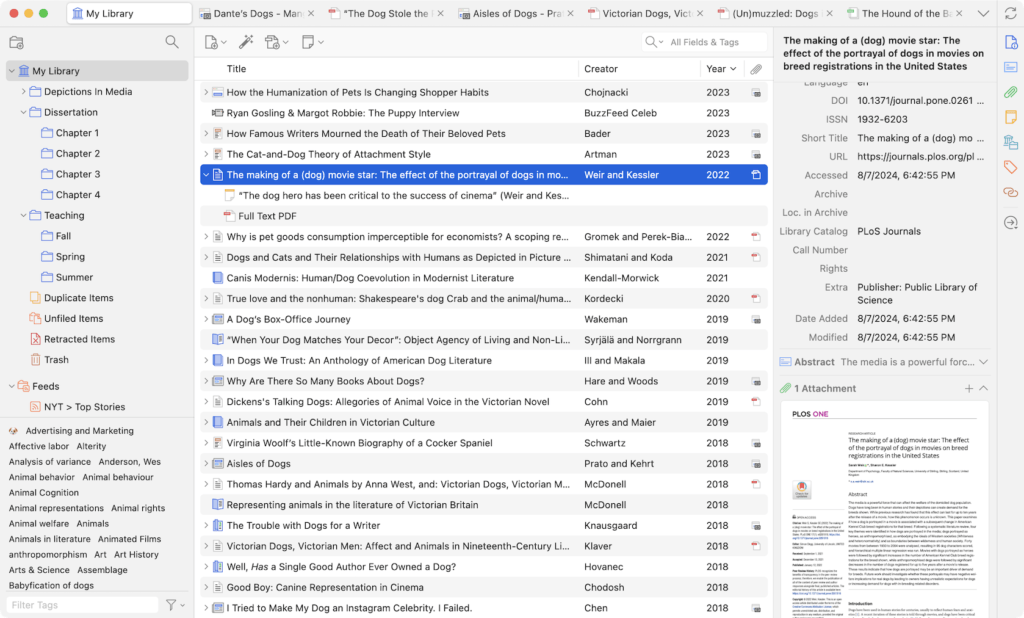
Zotero 7 is significantly faster than its predecessors and now also supports the latest hardware generations. With native support for Apple Silcon Macs, as well as 64-bit Windows and Windows on ARM CPUs, you can now finally install Zotero on all common devices and expect smooth operation, especially if you have a very large database with many entries and attachments.
One of the most important new features in Zotero 7 is the significant improved reader. This can now not only open and edit PDFs, but also EPUBs. EPUBs are much more flexible than PDFs. They automatically adapt to the screen size and can be customised. In Zotero you can open EPUBs just like PDFs annotate and add your notes. In most cases, the programme can also automatically retrieve metadata for the EPUBs and create a suitable entry.
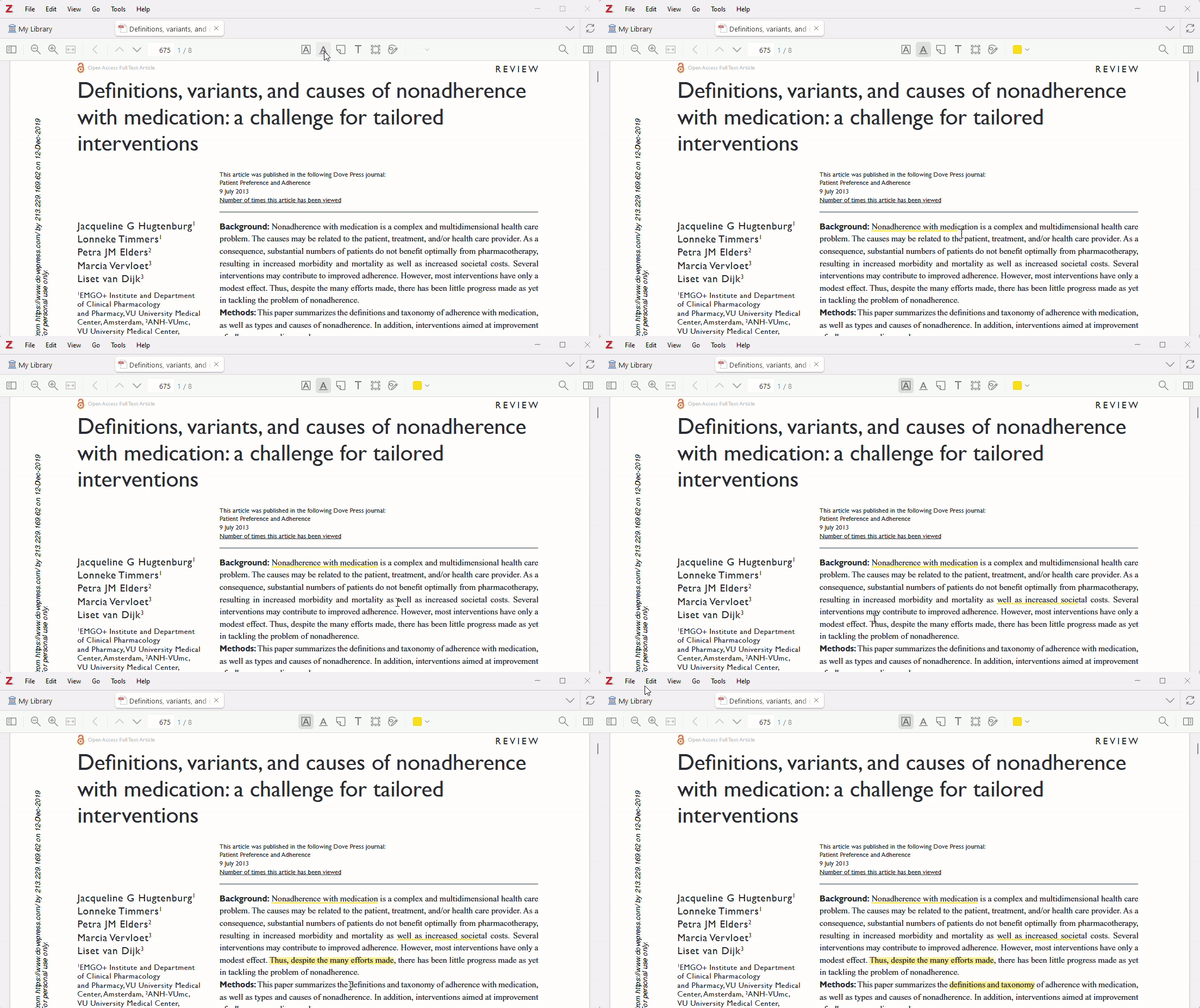
In addition to EPUBs, the new reader also supports Webpage-Snapshots. You can now annotate these just as easily as PDFs. New annotation types are also available, including freehand drawings, underlining and text annotations.
Another practical function is the „Smart Reference Popup“. When you move the mouse over a quote or an internal link, a small window appears with the relevant information. This means you no longer have to constantly switch back and forth between different pages.
With Zotero 7, the plugin architecture has been fundamentally revised. This means that plugins can now be developed more easily and made more stable. In addition, plugins can now be loaded and unloaded without restarting Zotero. These improvements are good news for all plugin developers and therefore also for Zotero users.
A word of caution:
Before you update to Zotero 7, you should make sure that the plugins you are using are already compatible with Zotero 7. Not all plugins have been adapted for the new version yet. You can find more information in the Zotero forum or on the individual developer pages.
Zotero lives from its plugins. These little helpers extend the functionality of Zotero with numerous practical functions, from BibTeX support and language translation to the integration of artificial intelligence. Don't miss my list of Top Zotero extensions.
Zotero 7 offers a number of other practical improvements that make everyday work easier:
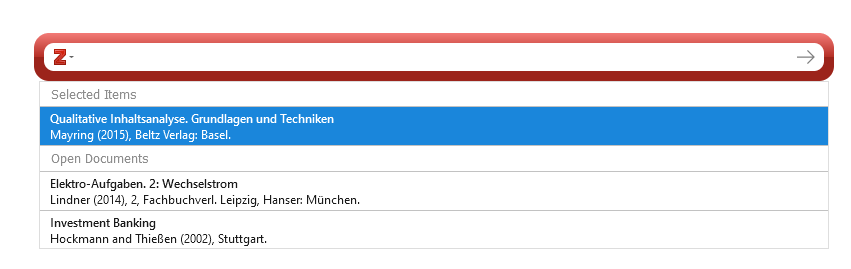
Zotero 7 is a big step forward for literature management. The new functions and the revised design make working with Zotero even more efficient and pleasant. Zotero 7 is definitely worth an update and the functionalities will be significantly expanded in the future.
You can find more information in the official blog post:
The ZoteroCiteLinker add-in makes Zotero citations in Word clickable and automatically links URLs in the bibliography. Simply via your menu bar.

Beaver is an AI research assistant that lives directly within Zotero as a side panel. You can search papers, get explanations of text passages and graphics, correct metadata, and organise your library automatically – all without leaving Zotero. A detailed look at its features, costs, and why native integration makes all the difference.
Zoplicate is a powerful Zotero plugin that efficiently recognises and merges duplicate entries. It offers advanced duplicate detection and saves time when managing large literature databases.
CSL – Citation Style Language – is supported by over 50 tools, from Zotero and pandoc to WordPress plugins. You can find the complete list of all compatible programmes here.