
No products in the basket.
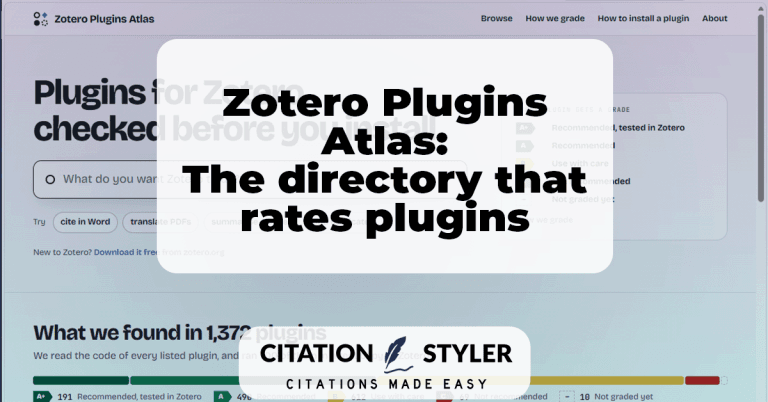
Zotero Plugins Atlas: The directory that rates plugins
Since May 2026, Zotero has been without an official plugin directory. The Plugins Atlas fills this gap – and checks what each plugin does to your library.
Here you will find useful articles and tips on the topics of academic writing, citation, bibliography, Zotero and more.
Since May 2026, Zotero has been without an official plugin directory. The Plugins Atlas fills this gap – and checks what each plugin does to your library.
ZotSeek enhances Zotero with semantic search: find papers by meaning rather than by keywords, jump straight to the relevant section of text, and open your library to AI agents via the MCP server. Everything runs locally, without an API key and without a subscription.
The Zotero fork Juris-M no longer synchronises and is considered abandoned. However, there are new developments: a new plugin is bringing jurisdictions, legal styles and parallel citations back to the current version of Zotero – still in alpha, but at an astonishing pace. What Juris-M users should know and do now.
The IU Citation Guide is based on APA 7 – but deliberately deviates from it in many places. In this blog post, you’ll find out which special rules apply and how to apply them correctly in Zotero.
Beaver is an AI research assistant that lives directly within Zotero as a side panel. You can search papers, get explanations of text passages and graphics, correct metadata, and organise your library automatically – all without leaving Zotero. A detailed look at its features, costs, and why native integration makes all the difference.
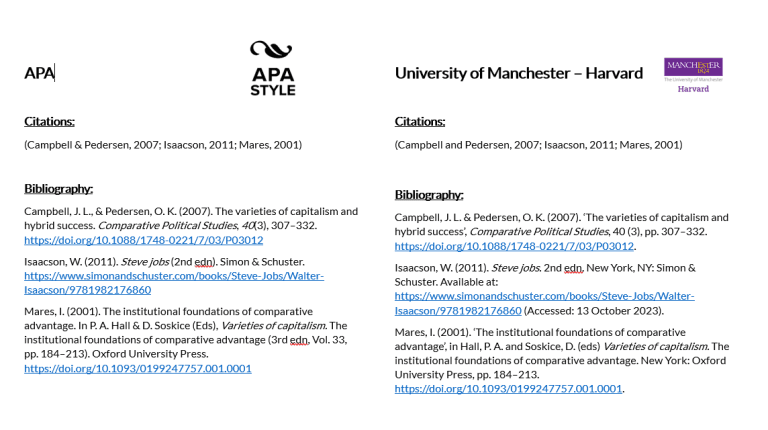
The University of Manchester has its own Harvard guidelines, which differ from other Manchester styles in the Zotero Style Repository. In this post, you’ll find out what matters and how a specially developed CSL citation style can save you days of formatting work.
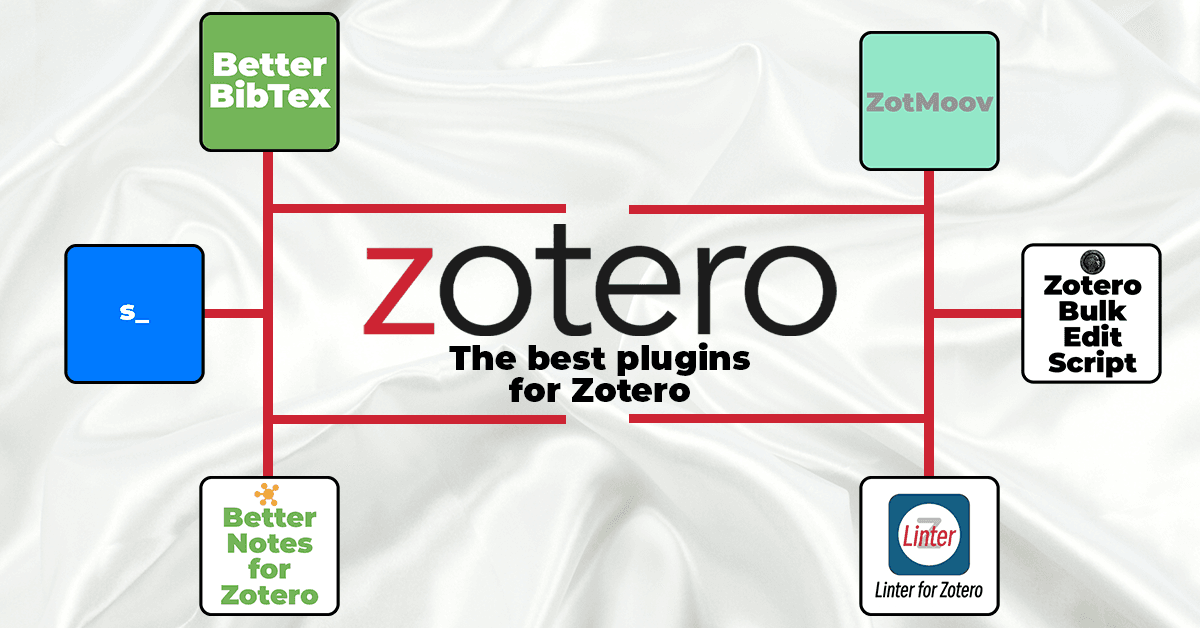
Want to get even more out of Zotero? Here are my top recommendations for Zotero plugins.
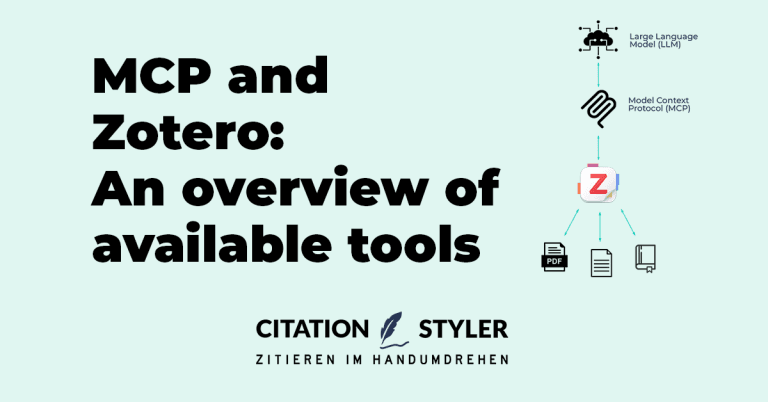
The Model Context Protocol (MCP) enables Zotero to be connected directly to AI assistants such as Claude or ChatGPT. There are now numerous projects that implement this, ranging from lightweight Python servers and Zotero plugins to hosted cloud services. We present all the latest Zotero MCP solutions and show which project suits which workflow.
CSL – Citation Style Language – is supported by over 50 tools, from Zotero and pandoc to WordPress plugins. You can find the complete list of all compatible programmes here.
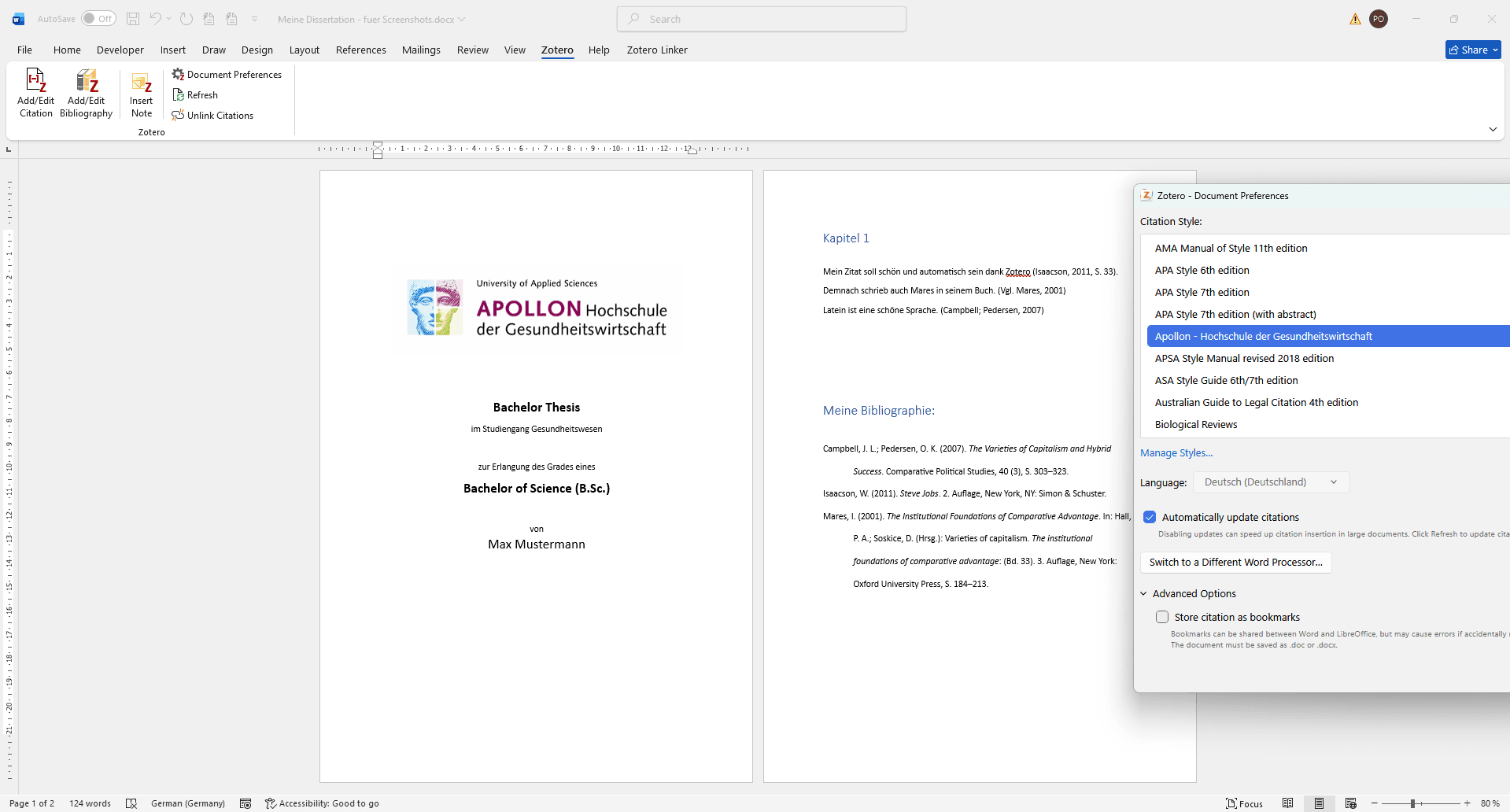
Learn how to use Zotero at APOLLON University: setup, CSL citation style installation, and tips for avoiding common mistakes.
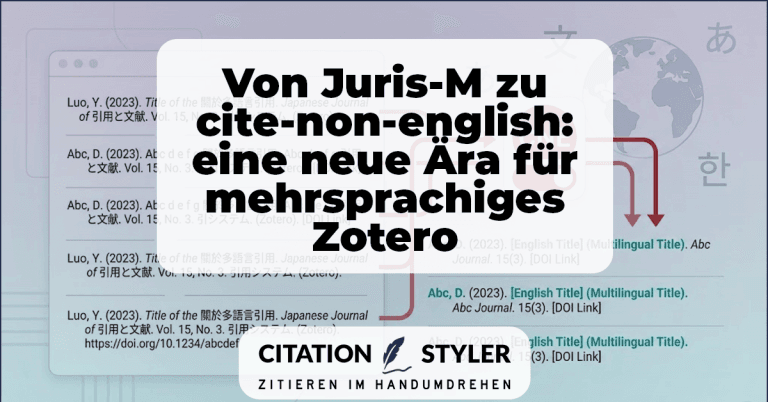
How the cite-non-english plugin replaces Juris-M and, for the first time, enables clean multilingual citations, especially CJK citations, directly in Zotero.
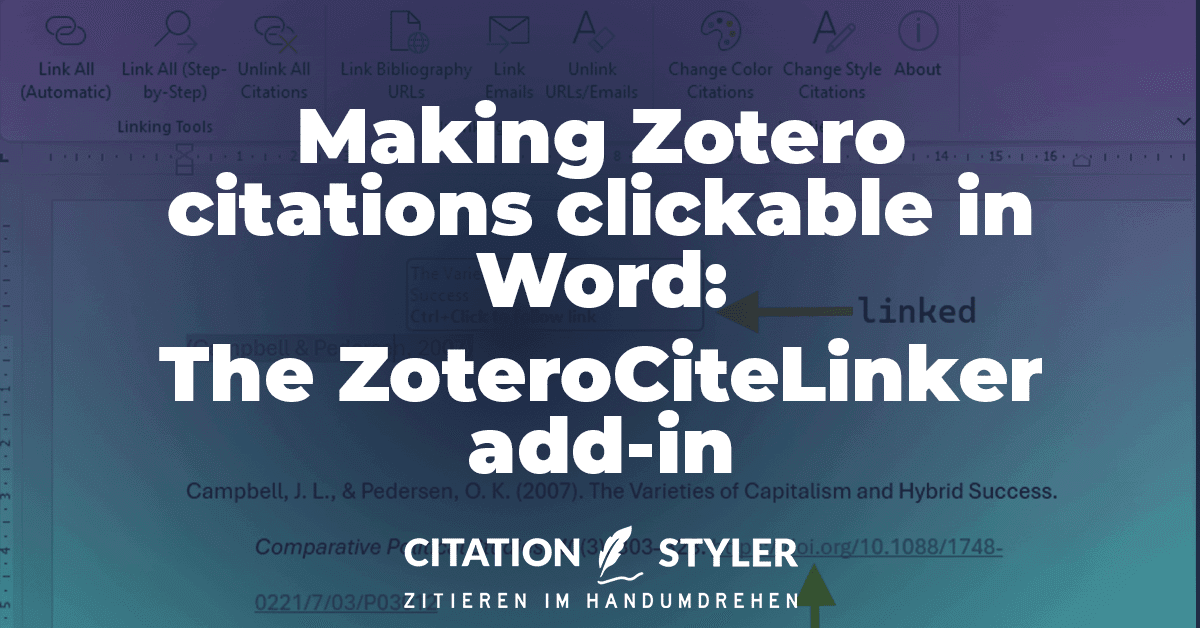
The ZoteroCiteLinker add-in makes Zotero citations in Word clickable and automatically links URLs in the bibliography. Simply via your menu bar.
AI tools such as ChatGPT are helpful, but there are specialised alternatives for scientific research. This article shows you the best AI research tools, such as OpenSciLM, Scholar Labs, Elicit, Consensus & Co., and explains which tool is suitable for which research step.
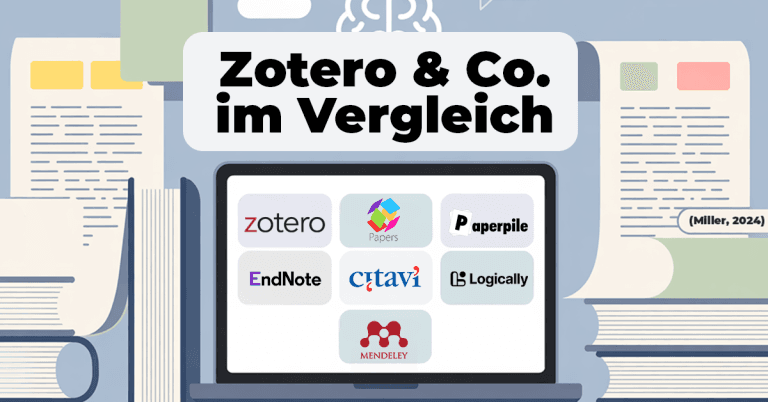
Which literature management system is right for you? Comparison of Zotero, Mendeley, Citavi, EndNote, Paperpile, Papers and Logically – including styles, support and future-proofing.

Zotero can save you a tremendous amount of time in your academic work – if you use it correctly. In this article, you will find 9 tried and tested Zotero tips from real-world experience.
Why does 2001 suddenly become 2001a? Find out why Zotero adds letters to the year and how you can solve the problem by merging entries correctly.
Literature research and citation according to German citation style done right, thanks to Zotero and CSL citation template. Here I show you how to do it.

Sometimes in Zotero, you need to add sources to your bibliography that have not been directly cited, such as the book containing a specific chapter. Here, I will show you how to do this easily.
How a non-profit organisation automated their citation workflow with Zotero - a case study
Learn how to install a custom .csl citation style in Zotero - whether received from a publisher or purchased from my shop. Step-by-step instructions including verification in Word's document preferences!
Find out in this article whether EndNote and Citavi .csl support citation styles.
Learn how to set the font of Zotero bibliographies and footnotes in Word or LibreOffice. A compact guide for a professional document layout.
Link Zotero citations in Word with the bibliography: The ZoteroLinkCitation macro makes your academic work more interactive and clearer.
AI plugins can add valuable functions to Zotero - from optimised literature suggestions to interactive PDF analysis. Find out how ARIA, ZoteroChat and other tools can support the scientific workflow.
With the Zotero plugin ‘Better Authors’ you can display the last author/PI in your library. Find out how this function makes your scientific research for specific labs easier and provides a better overview.
Many Zotero users ask themselves how they can change the style of footnote numbering - but this function is set directly in Microsoft Word. In this article, I'll show you how to customise the numbering of your footnotes in Word.
Optimise your academic work! Learn how to connect Zotero to Obsidian, set up the plugin, and import your first note.
Zoplicate is a powerful Zotero plugin that efficiently recognises and merges duplicate entries. It offers advanced duplicate detection and saves time when managing large literature databases.
The Theisen citation style is standard at many universities, but deviations in the guidelines often lead to uncertainties. Find out more about this topic in this blog.
Learn how to change all entries in Zotero at once by using the Zotero Search & Replace Script. A simple guide to using the script for efficient reference management.

With the update to Zotero 7, the popular ZotFile add-on is no longer compatible. But don't worry! There are 2 promising alternatives that fill the ZotFile gap. In this blog post, you can find out what has changed in Zotero 7 and which add-ons will help you to continue managing your PDFs efficiently.
Zotero 7 is finally here! Performance improvements, a new look and much more. Find out all about the latest features here.
You have received the Zotero message ‘You have made changes to this citation after it was created by Zotero. Do you want to keep your changes and prevent future updates?’ from Zotero? Here you can find out how to solve this problem.
Master the art of presenting statistical results in your thesis. Learn how to present your results clearly, concisely and in a way that is easy for your readers to understand.
Comparison of citation software: Which tool is the best for your academic work? We analyse the development of Zotero, Mendeley, EndNote, JabRef and Citavi and show you which program is currently in vogue.

Zotero acting up? Learn how to avoid citation errors, choose the right style, and manage your sources optimally – for error-free bibliographies!
Do you need to remove all traces of Zotero to submit a paper or thesis? Here's how.

Citation styles under control: Your comprehensive guide to academic references and citation styles

Are you studying at the DHBW and your next term paper is due? Here I'll show you how to make your life easier thanks to Zotero and the correct citation style.
Learn how to create and customise a CSL citation style in Zotero or Mendeley step by step – including tips on the style editor, XML code and common sources of error.

Literature research and citation according to German citation style done right, thanks to Zotero and CSL citation template. Here I show you how to do it.

Master literature research and citation at the FOM with Zotero! Easily organise your sources and automatically generate citations and bibliographies.
Zotero and CSL citation styles.
In this guide, you will learn how to use Zotero and citation styles effectively.
Do you have an idea for a guest post or another type of collaboration? Have a look at my Collaborations & Partner Programme page.
We use cookies to enable you to navigate our website efficiently and to carry out certain functions. You can find detailed information on all cookies below, under the relevant consent categories.
Cookies classified as ‘necessary’ are stored in your browser, as they are essential for the website’s basic functions.
We also use third-party cookies to help us analyse your use of this website, save your settings and provide you with content and marketing materials that are relevant to you. These cookies are only stored in your browser with your prior consent.
You can enable or disable some or all of these cookies; however, disabling some of them may affect your browsing experience.
Necessary cookies are required to enable the basic features of this site, such as providing secure log-in or adjusting your consent preferences. They are not used for advertising or to track you across other sites. The consent cookie stores a random identifier that lets us keep a record of the choice you made.